WidgetColors
Brand colors
Match the chatbot's look and feel with your brand's primary and secondary colors so the launcher, header, and bubbles feel native to your site.
Loading…
Make the chatbot feel like a natural part of your brand. Customize everything from colors and logos to domains and outbound email.
100% White-label
Customer-facing surfaces match your brand
Pixel Perfect
Tokens, fonts, and spacing aligned to your UI
White-label email & branding
Outbound messages feel like you—not a vendor
Custom domain support
Your hostname, SSL, and routing at the edge
Start with a visual editor, go full white-label for client-facing surfaces, or drop down to CSS when your design system demands it.
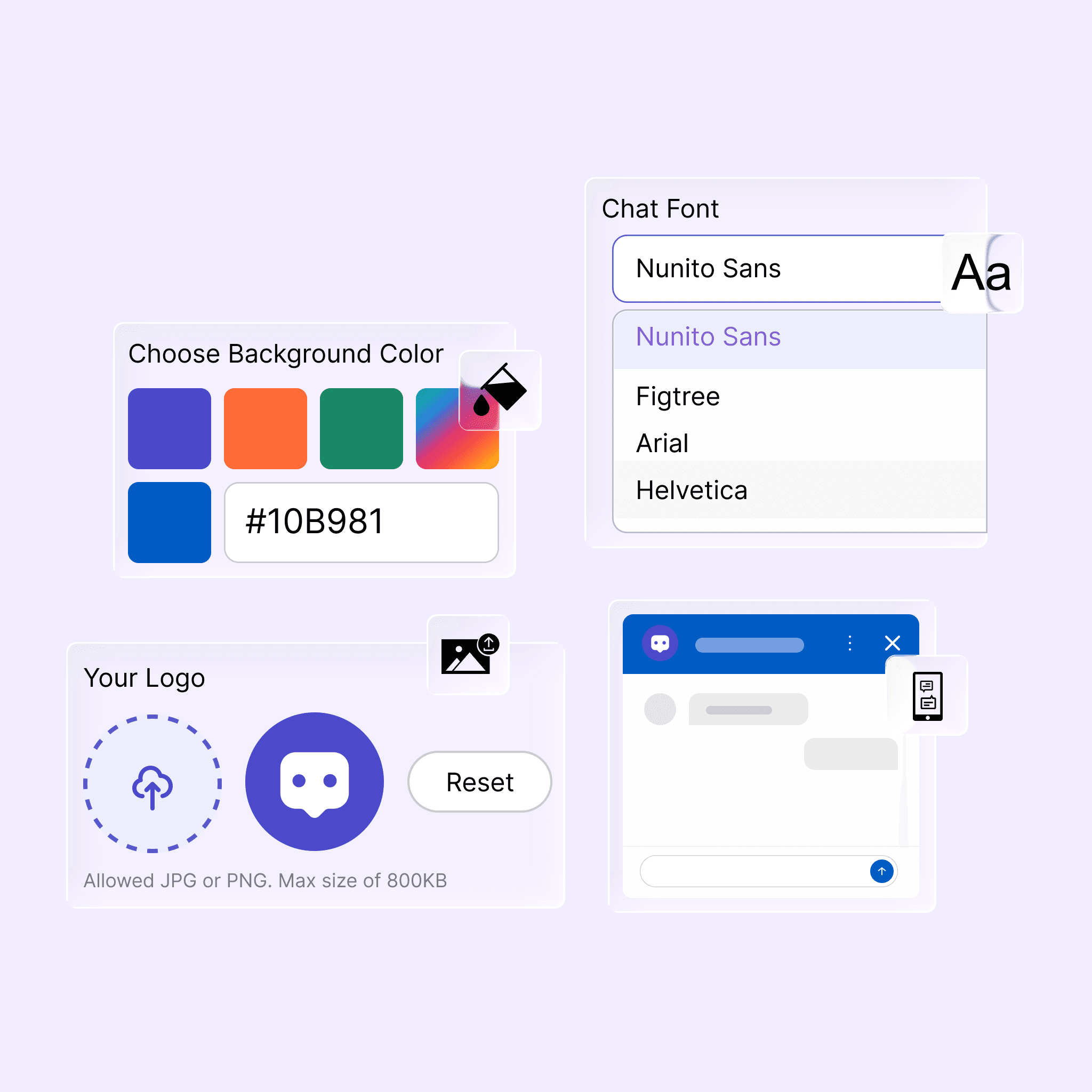
Use our easy-to-use editor to customize the look and feel of your chatbot in real time—no deploy required for preview.
Brand controls
From first pixel to production domain—one kit covers how your AI chat looks everywhere customers see it.
Match the chatbot's look and feel with your brand's primary and secondary colors so the launcher, header, and bubbles feel native to your site.
Choose from a wide range of fonts or bring your own licensed webfonts for the widget and outbound email—consistent hierarchy everywhere customers read you.
Host the chatbot on your own domain for a seamless brand experience with managed certificates or bring-your-own TLS at the edge.
Pick from curated themes or fork one and tune design tokens until the embed matches your product UI—preview before you publish.
Hide vendor marks on customer-facing surfaces so only your brand shows in the widget, portal, and customer-facing emails.
Keep the same palette, typography, and tone across the web widget, email, and connected channels so every touchpoint feels like one product.